
Accessing your personal account on BYBET requires only your registered Philippine mobile number and password. Whether you are signing in from a smartphone browser or the dedicated Android application, maintaining secure credentials and understanding how to navigate common login errors ensures that your account balance and personal data remain protected. This technical walkthrough outlines the exact sign-in sequence, mobile two-factor authentication practices, and instant password self-recovery workflows.
Quick Summary: BYBET Login Requirements
- Primary Identifier: 11-digit Philippine mobile phone number (09XXXXXXXXX) or unique username.
- Supported Devices: Android (Chrome, APK client), iOS (Safari, PWA home-screen app), Windows/Mac desktop browsers.
- Authentication Method: Password authentication with optional SMS OTP verification.
- Average Sign-in Time: Under 10 seconds.
- Security Precaution: Always ensure the browser URL bar displays a valid SSL padlock and official domain name before typing credentials.
Technical Specifications: Supported Login Platforms
| Platform / Client | Minimum OS Version | Recommended Browser | Biometric Sign-In | PWA Support |
|---|---|---|---|---|
| Android Mobile | Android 8.0 (Oreo) | Google Chrome v110+ | Supported via APK (Fingerprint) | Yes |
| Apple iOS | iOS 14.0 | Apple Safari | Supported via Keychain / FaceID | Yes (Add to Home Screen) |
| Desktop / Laptop | Windows 10 / macOS 11 | Chrome, Edge, Safari | Password autofill integration | N/A |
| Mobile Web | Any HTML5 browser | Opera, Brave, Samsung Internet | Browser credential autofill | Yes |
Step-by-Step BYBET Login Procedure
Follow this sequential walkthrough to access your gaming dashboard without encountering security flags or session timeouts:
Step 1: Navigate to the Official Domain
Launch your mobile or desktop browser and navigate to the official portal at bybet88.ph. Verify that the URL is spelled correctly and that your browser displays a secure connection badge (HTTPS). Avoid clicking promotional links from unverified social media profiles or unencrypted web forums.
Step 2: Open the Login Modal
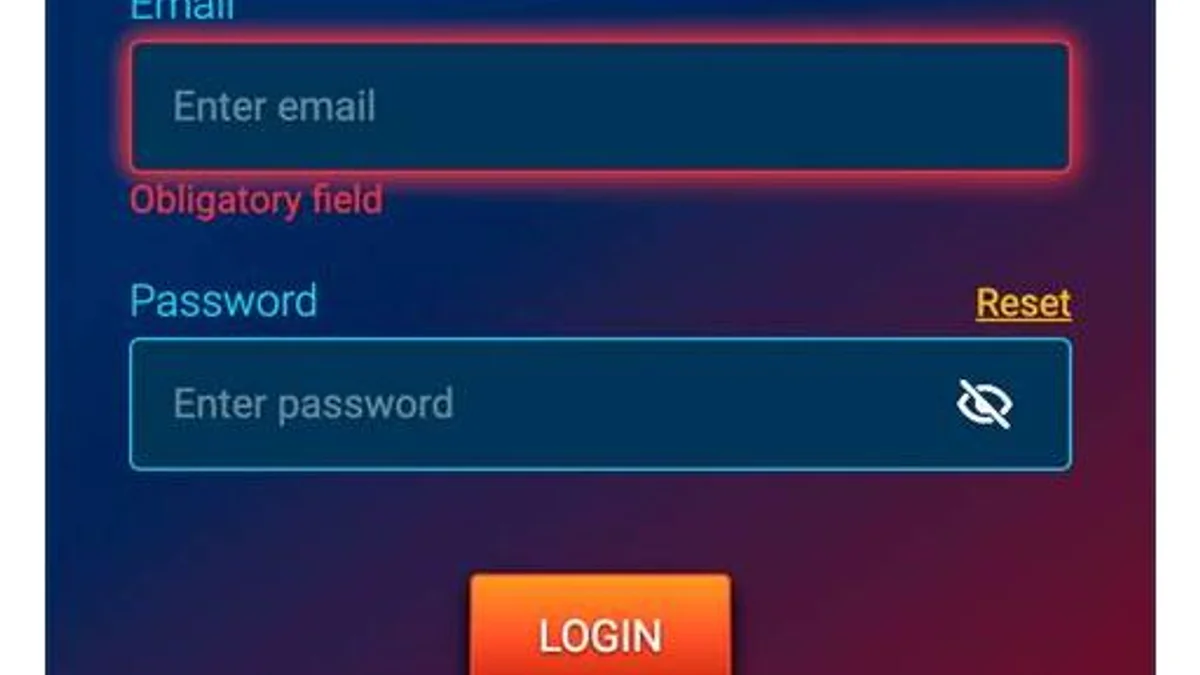
Tap the amber "Login" button situated in the upper right-hand corner of the homepage or within the sticky bottom navigation bar on mobile screens. A secure modal dialog will open over your current screen.
Step 3: Input Account Credentials
Enter your registered 11-digit Philippine mobile number in the primary field. In the password field, input your alphanumeric password. Pay strict attention to case sensitivity, as uppercase and lowercase letters are treated as distinct characters.
Step 4: Complete Security Validation (Captcha)
If prompted by the automated bot-protection filter, complete the simple sliding puzzle slider or enter the 4-digit numerical security captcha shown on your screen.
Step 5: Confirm and Access Dashboard
Click the "Sign In" button. Upon validation, your browser will redirect directly to the main member lobby, displaying your current real-money balance, promotional bonus status, and active cashier links.
Troubleshooting Common BYBET Login Errors
When an unexpected authentication error blocks your access, consult the diagnostic table below to apply the appropriate resolution:
| Error Notice / Symptom | Root Cause | Immediate Resolution Workflow |
|---|---|---|
| "Invalid Account or Password" | Typographical error or incorrect letter casing in password. | Re-enter password manually with visibility toggled on. If unsuccessful after 2 attempts, initiate the password reset sequence to avoid temporary lockout. |
| "Account Locked / Too Many Attempts" | 5 consecutive failed login attempts triggered an automated security freeze. | Wait 15 minutes for the automated timer to expire, or contact customer support via live chat with your registered mobile number for identity verification. |
| "Session Expired (Error 401)" | Inactivity timeout or simultaneous login detected from another browser session. | Clear browser cache and cookies, refresh the page, and sign back in. Ensure no other active devices are connected to your account. |
| "OTP Not Received" | Network congestion or carrier-level SMS filtering on your mobile network. | Toggle Airplane Mode on and off for 10 seconds to refresh tower connectivity. Request a secondary OTP after the 60-second cooldown timer expires. |
| "Blank White Screen on Mobile" | Corrupted browser cache or outdated WebKit view. | Switch from incognito to standard browsing mode, clear browser site data for the domain, or update Google Chrome / Safari to the latest build. |
How to Recover a Lost BYBET Password
If you have forgotten your password, you can regain control of your account immediately without waiting for manual agent intervention:
- Tap "Forgot Password?" located directly below the password input field on the login screen.
- Enter your registered 11-digit mobile number and tap "Send SMS Verification Code".
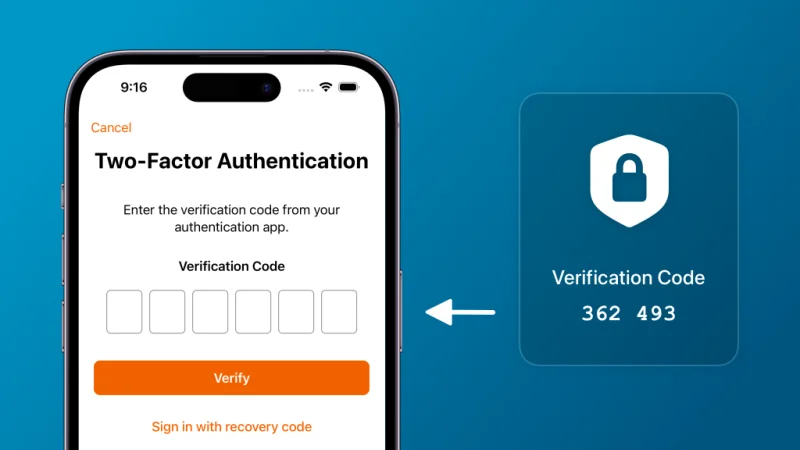
- Retrieve the 6-digit one-time passcode (OTP) delivered to your handset inbox.
- Input the OTP into the recovery screen within the 3-minute validity window.
- Create a new strong password containing 8 to 16 characters, including at least one uppercase letter, one lowercase letter, and one number.
- Submit the form and immediately test your new credentials on the primary login modal.
Account Security Best Practices for Philippine Players
- Never Share One-Time Passcodes: Legitimate platform representatives will never request your SMS OTP, GCash MPIN, or account password over chat, email, or telephone.
- Avoid Public Wi-Fi Networks: Refrain from logging into your casino wallet while connected to unencrypted public hotspots at malls or transit terminals. Use private mobile data (LTE/5G) for banking activities.
- Maintain Unique Credentials: Do not reuse passwords across multiple gaming sites, email services, or e-wallets. A credential breach on an unrelated site can expose your casino funds if credentials match.
- Log Out on Shared Handsets: Always select "Log Out" from your profile menu when using a shared family tablet or computer.
Handling Advanced Multi-Device Authentication and IP Security Flags
To safeguard player balances against automated credential-stuffing attacks and location spoofing, BYBET deploys dynamic risk-scoring algorithms on every incoming connection. When the security firewall detects simultaneous logins from contrasting IP subnets (for instance, a cellular connection in Cebu alongside a broadband IP in Quezon City), the secondary session is terminated immediately, requiring manual verification.
If you frequently alternate between mobile data (such as Smart or Globe LTE/5G) and home Wi-Fi networks, take note of these operational guidelines:
- Clear Stale Session Tokens: Before switching from Wi-Fi to cellular data, consider logging out cleanly rather than simply closing your mobile browser tab. This releases your active authentication token and prevents transient 401 session-mismatch warnings.
- Avoid Virtual Private Networks (VPNs): Commercial VPN services route traffic through commercial datacenter IPs that are frequently flagged by fraud-prevention systems. Accessing your gaming dashboard over an active VPN can trigger temporary security holds on your wallet, requiring identity re-verification.
- Hardware Biometric Inconsistencies: If your smartphone undergoes an operating system update, biometric credentials (fingerprint or FaceID) stored in the browser keychain may require manual re-authorization. If biometric sign-in fails, enter your master alphanumeric password to re-synchronize your security profile.
Browser Cache and Session Cookie Hygiene
Modern browsers preserve authentication fragments in local site storage. If you experience persistent redirection loops when accessing the login portal, clearing site-specific cookies for the domain flushes corrupt session tokens. Ensure that cookies and JavaScript execution are enabled in your mobile browser preferences to guarantee that responsive security challenges validate seamlessly.